A dead classic made useful.
Nobody can deny that the iMac G4 is one of the most iconic computers of all time.
Even in the 2020s it feels timeless, so when I acquired a dead 17" model I knew exactly what to do.
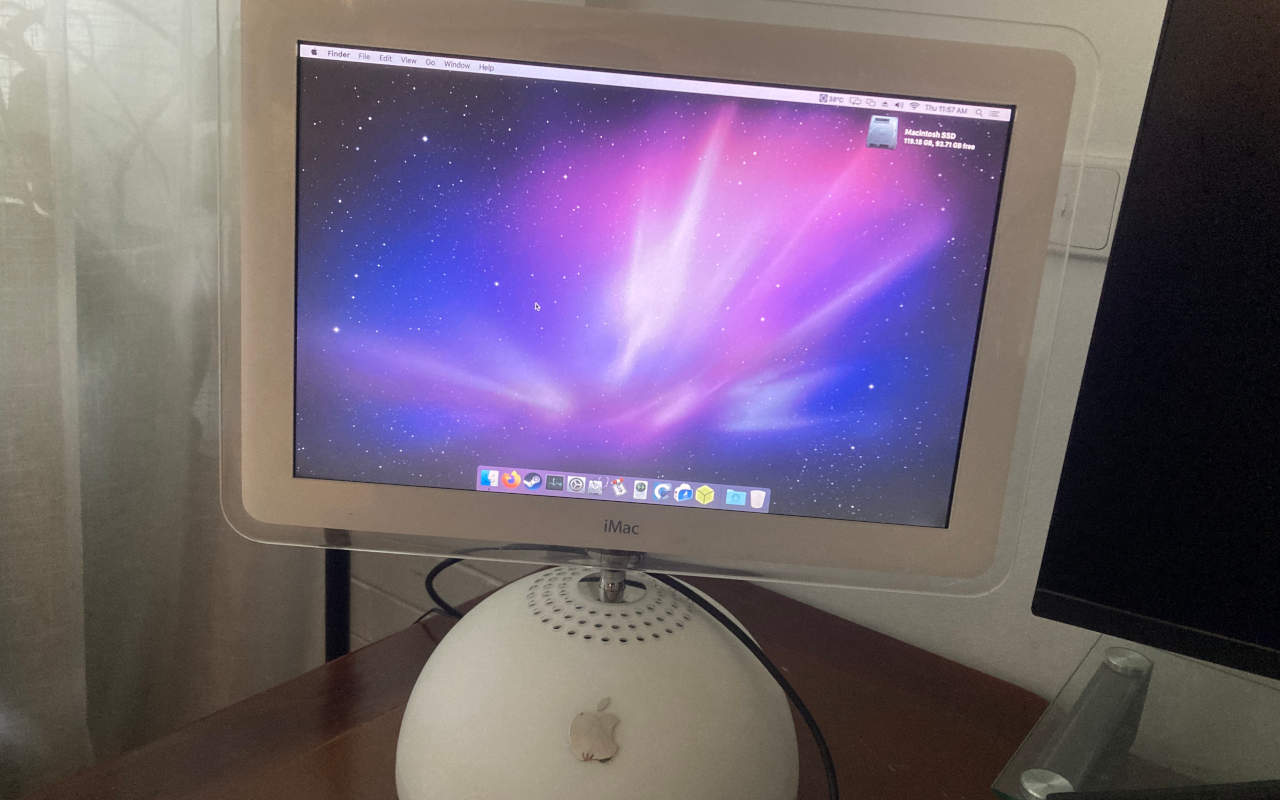
The obvious solution to me, as someone who did this exact project about 10 years ago, was to convert the machine into a second monitor for my main setup - that way it can be enjoyed instead of sit in a cupboard.
Part list
- 17" iMac G4 shell
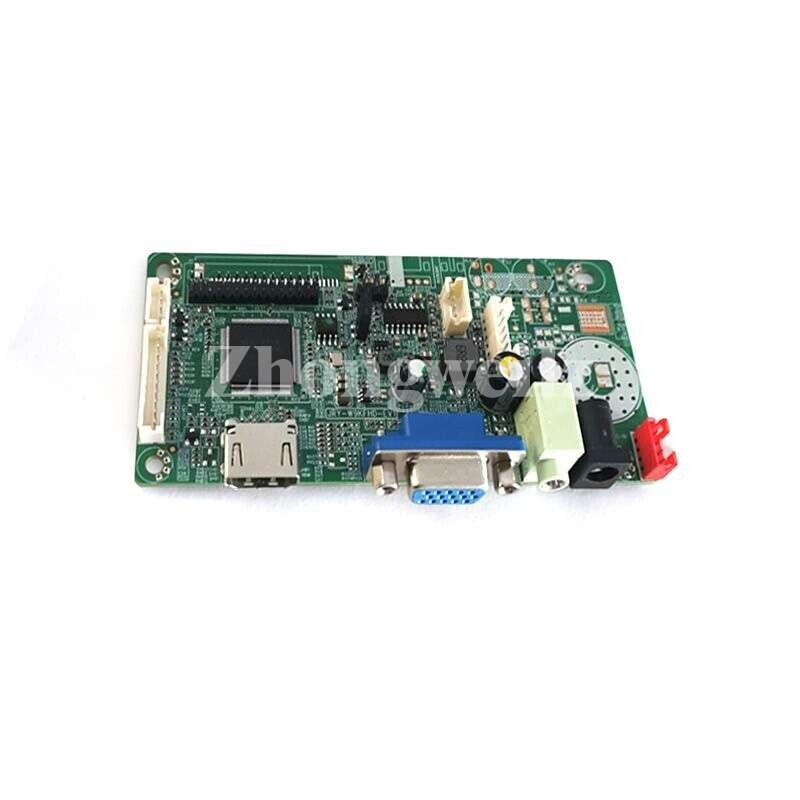
- LVDS controller kit (controller, inverter, cables)
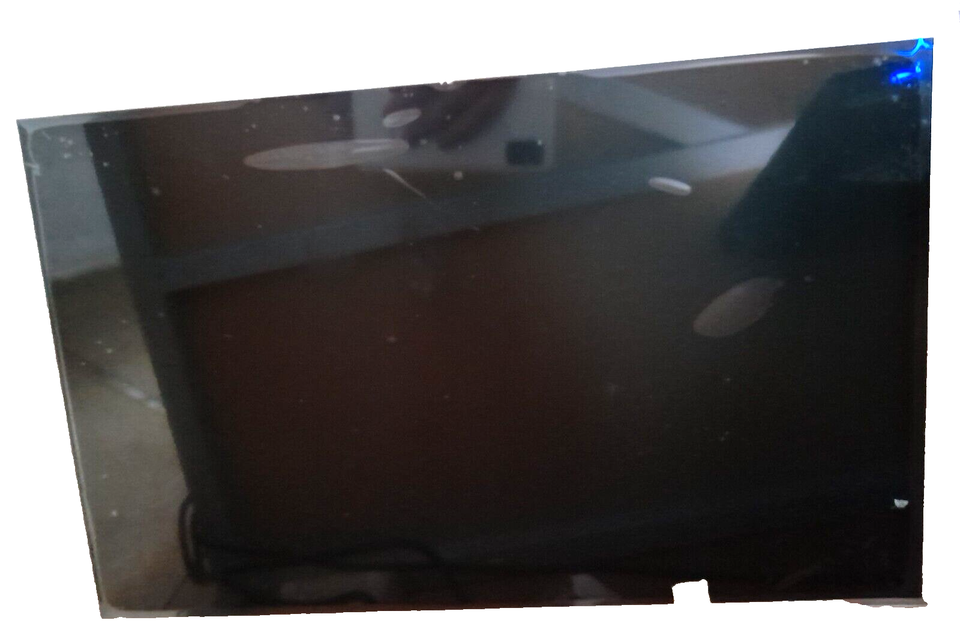
- Replacement 17" LCD (B170PW01 v.1)
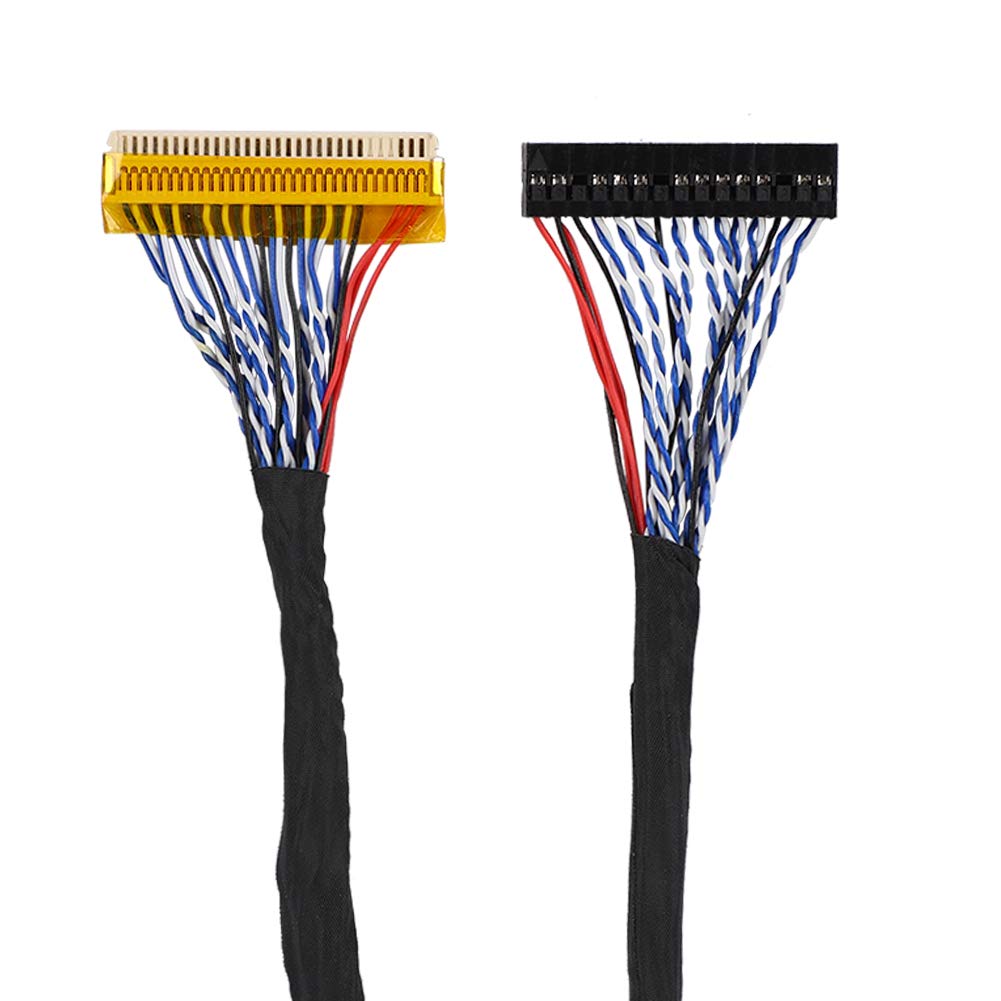
- 40cm 2 channel 6bit LVDS cable
- Inverter extension cables
- Electrical tape, screwdrivers, spudgers
The process
After acquiring the iMac I initially tried to fix it.
Booting was really inconsistent, and it seemed like the cause was a badly leaked BIOS battery on the logic board.
I used some isopropyl alcohol to remove much of the battery acid, which allowed the machine to boot to an install CD once or twice, but in the end it was fruitless. It got to a point where I was unable to get any response from the machine at all, and so began the disassembly...
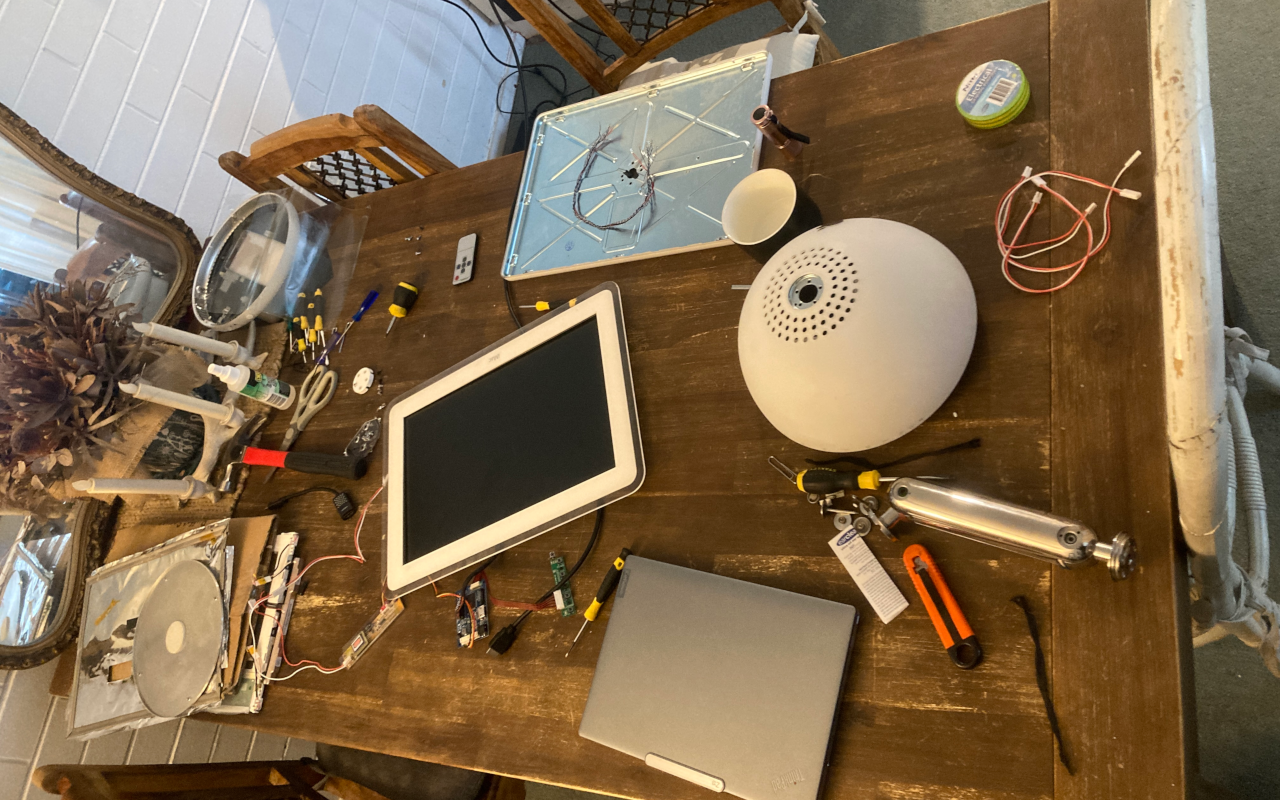
... and so began the mess. In by far the the easiest step of the process, I completely disassembled the iMac G4.
It was barbaric, and as far as I was concerned required absolutely no precision at all.
As long as I didn't scratch or crack anything I was happy, so I took screwdrivers and spudgers to every part in the machine until it was completely empty and all the parts were separate.
What resulted was the dining room table being taken over, for 3 full weeks, by the separated iMac parts, my controller board kit, cables, too many tools to count, and my new LCD.
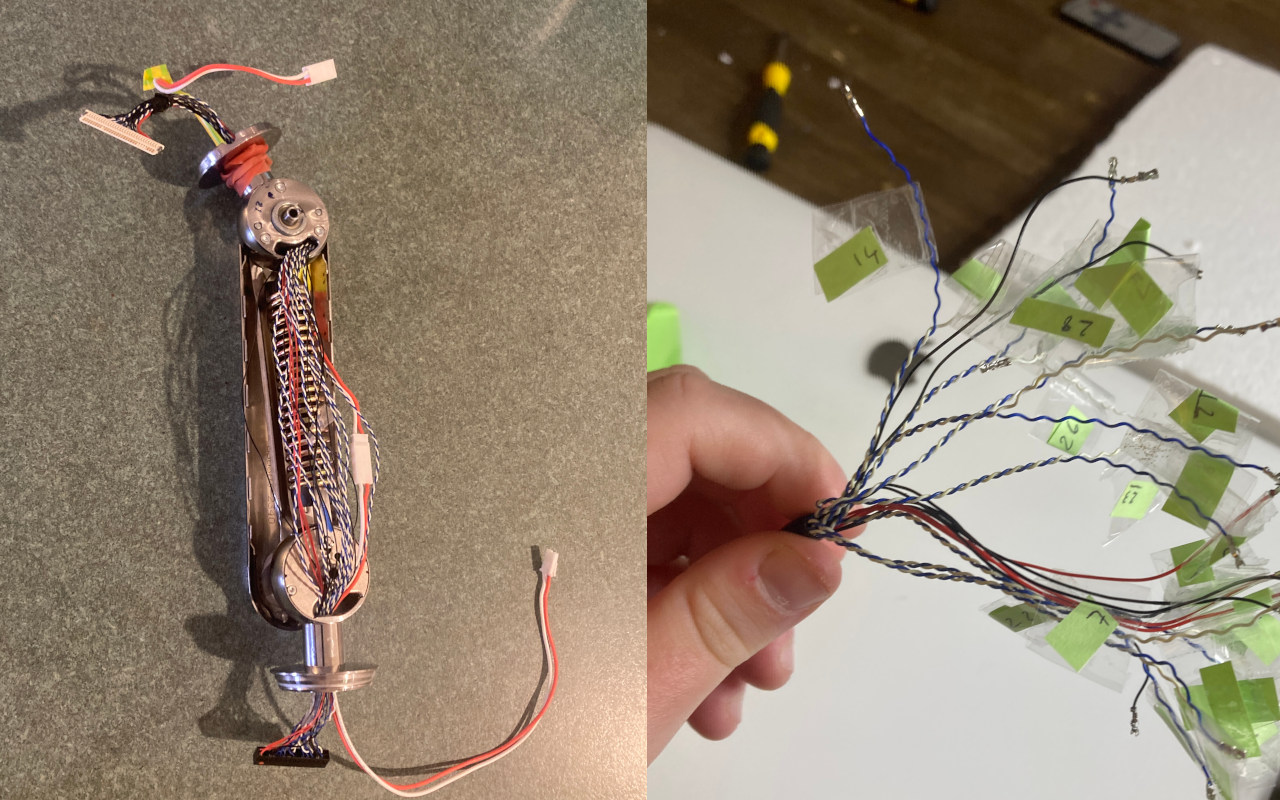
Next was to run the LVDS display signal cable and LCD inverter cable through the iMac G4 neck, and this was by far the hardest part of the process.
To start, I unseated the internal spring mechanism which is held in by a lot of force, and I knew from my previous run of this project that getting it back into place would be hellish.
Strength and physics aside, I also had to redo the entire pinout for the LVDS cable.
My LCD data sheet called for a 2 channel 6 bit LVDS cable, which is easy to find, but threading it through the tiny opening in the iMac neck meant removing all of the pins on the controller board side, painstakingly labeling them, and reconnecting them after I had threaded them through the neck individually.
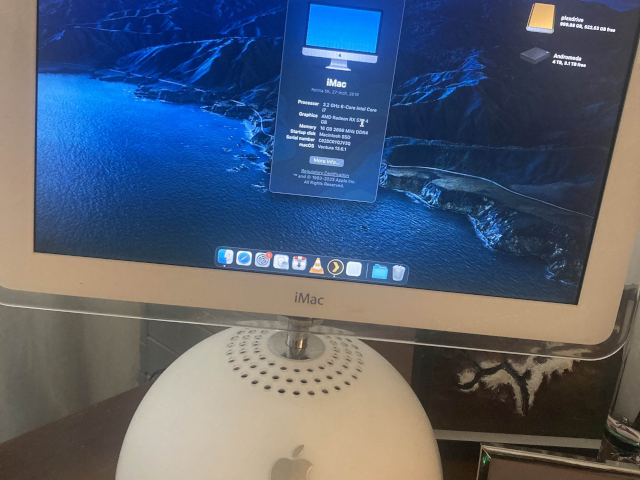
After the pinout was done and the neck was reassembled (my tip is to seat one side of the spring and put a long allen key through the other hole to leverage it back into place)
re-assembly was pretty straightforward.
The controller board, inverter, and cables sit in the base of the iMac, and I've surrounded them with electrical tape.
The LVDS cable is painfully short, even at 40cm, so you need to really fiddle with the connector to get it into place. It means the controller board sits as high as possible in the base, and I've been left with some weird artefacts on the LCD that I'm currently convinced are related to the stress on the cable.
I might crack the display section open and double check the cable in the future, or panic buy another identical LCD while it's still in stock.
But it's working well for now and I love it.